TL;DR
A cancellation policy works when it is short, fair, said once, and applied the same way every time. Below is a template you can copy, and how Nose applies it for you.
Why policies fail (they live on paper)
Most stables already have a cancellation policy. It just doesn't get used.
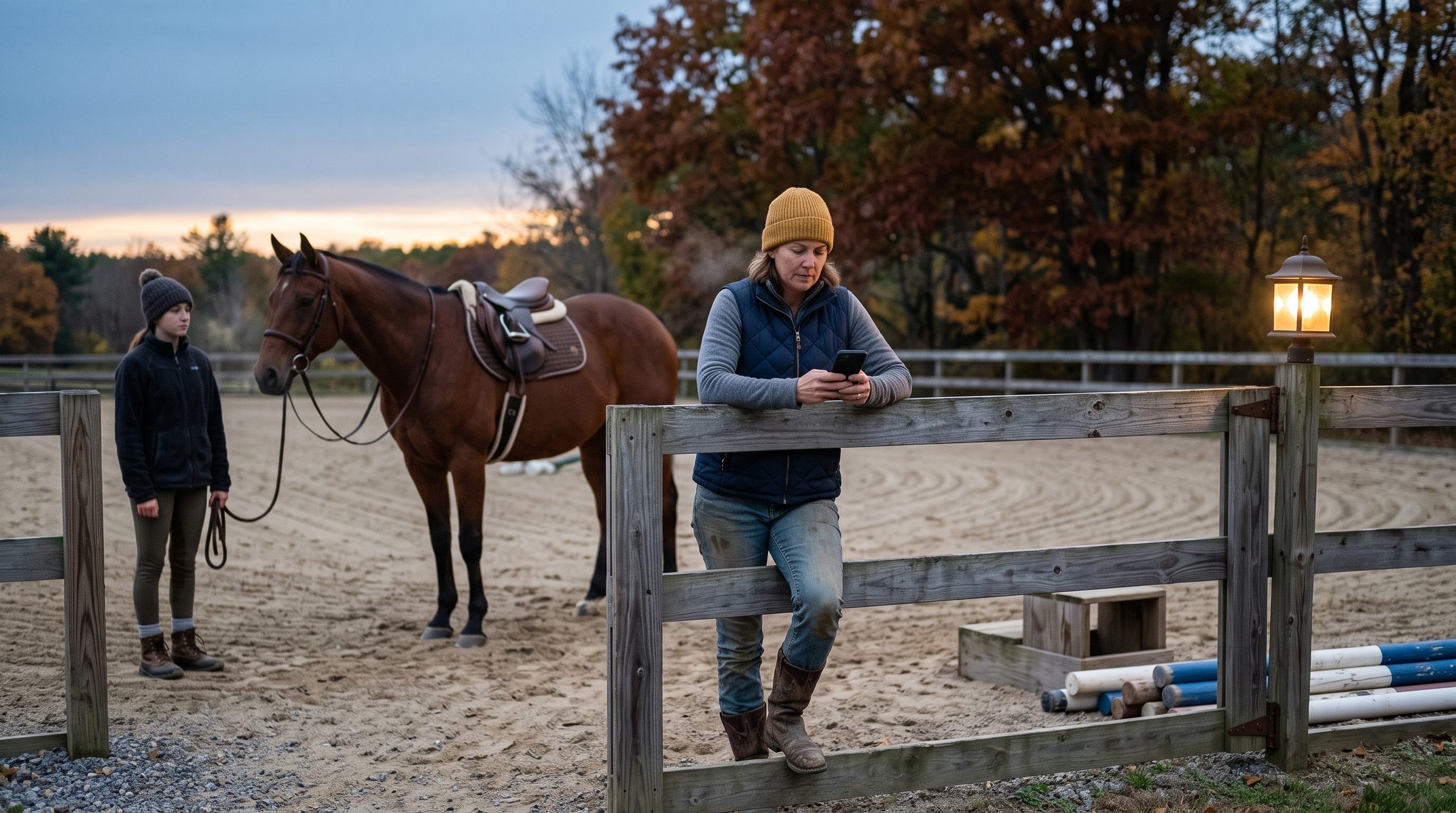
Here is the usual evening. A message arrives at 7:40 pm: "So sorry, can't make it tomorrow at 9." The lesson is in thirteen hours. Your policy says 24. You like this family, the child has a cold. So you reply "no problem, feel better", and the policy quietly stops being a policy.
That is what happens when a rule is enforced by a tired person, one message at a time:
- The rider never sees it at the moment it matters. They read it once, at sign-up.
- The cost lands on someone else. A horse was tacked up, an instructor was booked, and a place sat empty.
The fix is not a stricter policy. It is a simpler one, said in the right place, applied the same way for everyone.
A fair template: notice window, make-ups, illness
A good policy answers four questions and nothing else. How much notice do you need? What happens with less, or if someone just doesn't come? And what about illness?
The notice window
Pick one number and keep it. 24 hours is the most common: it gives you time to offer the place to someone else and rearrange horses.
Late cancellations and no-shows
Many stables treat these alike: cancel inside the window, or don't turn up, and the lesson is charged. A half-price no-show is common and feels fair to most families: it covers part of what the lesson cost you, without making a family feel punished for one bad morning.
Make-ups
"You can always make it up later" creates a list of owed lessons that nobody tracks. A simpler rule: a lesson cancelled in time is not lost. If the rider is on a lesson package, the lesson goes back on it. (We wrote about packages in Lesson packages without the punch card.)
The template
Saying it once, kindly
A policy only works if riders have seen it before they need it. Say it once, in the right places:
- At sign-up. Put the template in your welcome email or registration form, and ask riders to confirm they've read it.
- On the wall. One printed copy by the office or the mounting block.
- When you start enforcing it. If your old policy was loose, send one message to everyone first.
The kindest policy is the predictable one. Riders don't mind rules. They mind finding out that someone else got a different answer.
Letting the system apply it
We built Nose so the app applies the policy the same way every time, and you're not the one saying no at 7:40 pm. (In the app, a lesson package is called a Pass.)
The notice window
In Settings → Booking & cancellation, under Cancellations & no-shows, there is one number: Self-cancel cutoff. It's the number of hours before a ride that a rider can still cancel their own place without asking you. It starts at 24.
Before the cutoff, a rider opens the ride on their phone and taps Cancel participation. The ride shows how long they have left, so the window is in front of them, not in a welcome pack. A pass ride returns to their pass automatically.
After the cutoff, the button reads Cannot cancel, and the rider is asked to contact the stable. So late cancellations come to you, and you decide. If it's illness, you take them off the ride yourself. If it's a late cancel, you leave them on the ride, and it is charged like a no-show.
No-shows
Turn on Track absences. Then set A no-show costs as a percentage of the lesson: 50% matches the template above.
Once the lesson has started, the instructor opens the ride's Allocate & Settle tab and marks the rider who didn't come with the Mark as absent button on their row. The charge goes onto the rider's account as an amount owed.
The charge only applies to a lesson that is still unpaid, so nobody pays twice. And if someone was marked by mistake, Undo absence puts it back, as long as the charge hasn't been collected yet.
The full details are in the help centre: Booking & cancellation settings and Settling a ride.
Write it once, then let it run
Take the template, change the numbers, and send it to your riders this week. If you'd like the window and the no-show charge to apply themselves, set them up in Nose. It's free to start, no card needed: nose.horse.